What Is JSON? Data With Labels
If you've seen curly braces full of labels and values, that's JSON — the lingua franca of app data.
Open almost any API response or config file and you'll meet JSON. It looks intimidating at first — brackets, quotes, colons — but it's just data wearing name tags. Once you can read it, a huge amount of the web stops being mysterious.
Keys and Values
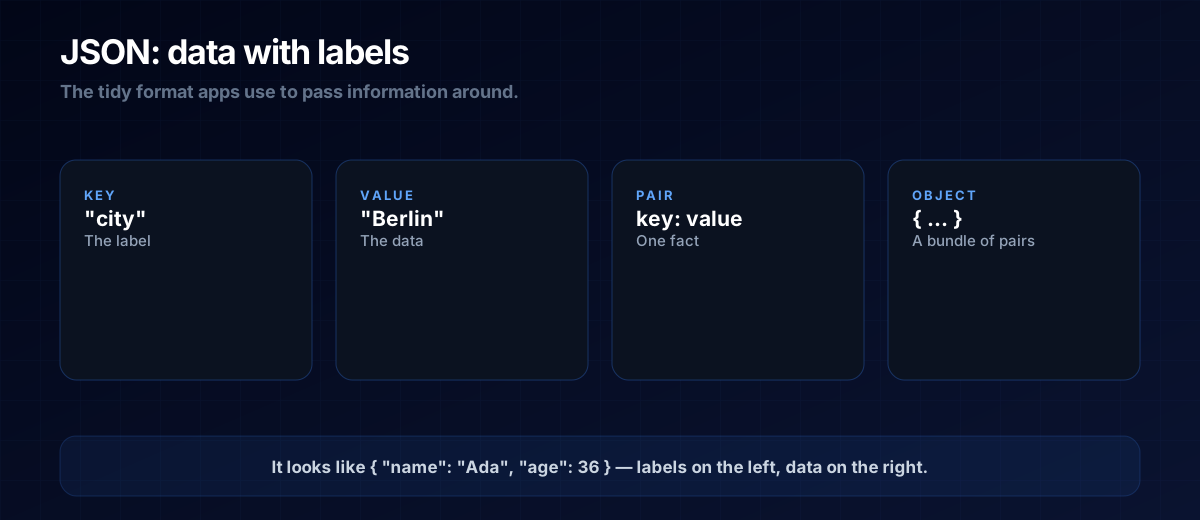
JSON (JavaScript Object Notation) is a list of key: value pairs. The key is the label; the value is the data:
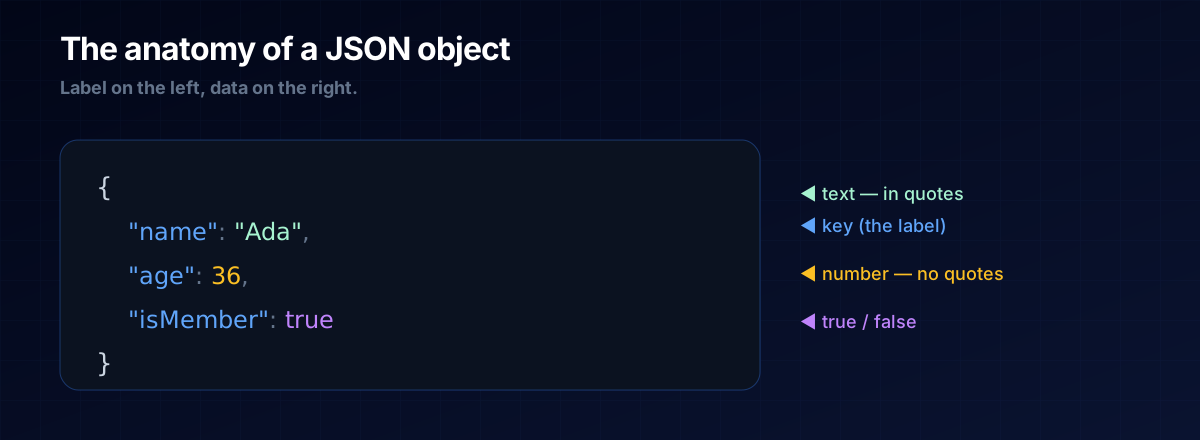
{
  "name": "Ada",
  "age": 36,
  "isMember": true
}
That's a single object (everything inside the curly braces) holding three facts about a person. Values can be text (in quotes), numbers, true/false, lists, or even other objects nested inside.
Why Everything Uses It
JSON won because it's readable by both humans and machines. When an API sends data back, it's almost always JSON. When an app saves settings, often JSON. It's the neutral, no-drama format everything agrees on.
THE ONE-LINE VERSION
JSON is labelled data: a key on the left, a value on the right. Read the labels and you understand the data.
Reading It Confidently
You don't need to write JSON by hand often — but you'll read it constantly. When an AI shows you a block like the one above, you now know it's structured data, that "name" points to "Ada", and that you can ask for any value by its key.
A: Text goes in quotes; numbers and true/false don't. So "age": 36 is a number, while "age": "36" would be text — a subtle but sometimes important difference.
A: It borrows JavaScript's look, but it's a plain data format used by every language. You can treat it as universal.
The Prompt Template
When you want data back in a shape your code can use, ask for JSON explicitly:
Give me the result as JSON with these fields:
<field: type, e.g. name: text, price: number, inStock: true/false>.
Use quotes for text, no quotes for numbers and true/false.
Next Steps
JSON usually arrives via an API — revisit What Is an API — and the keys map neatly onto variables in your code.