What Is an API (and Why You'll Use One)
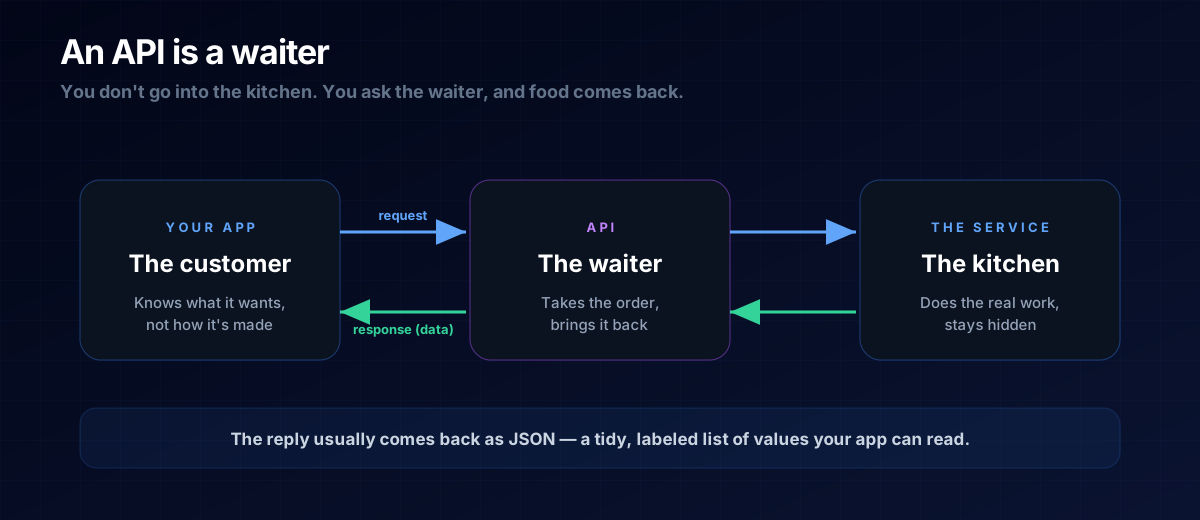
An API is a waiter: you ask for what you want, and it brings it back — no need to step into the kitchen.
"API" sounds technical, but the idea behind it is something you do every time you eat at a restaurant. Get this analogy and you'll understand one of the most powerful concepts in software — the thing that lets a small app tap into maps, payments, weather, or AI without building any of it yourself.
The Restaurant Analogy
You sit down and tell the waiter what you want. You don't march into the kitchen, you don't need to know the recipe, and you don't see the chaos behind the doors. You make a request, and a little later you get a response: your food.
An API (Application Programming Interface) is that waiter for software. Your app asks another service for something — "give me today's weather for Berlin" — and the API brings back the answer. The complicated machinery stays hidden; you just get a clean result.
What Comes Back: JSON
The answer usually arrives as JSON — a tidy, labelled list of values that's easy for code to read. It looks like this:
{
  "city": "Berlin",
  "temperature": 21,
  "condition": "Sunny"
}
You don't have to write JSON by hand often, but recognising it matters: when an AI shows you data shaped like this, you'll know it's an API response and that each label (a "key") points to a value.
Why APIs Are a Superpower
APIs mean you never have to build everything yourself. Want maps? Use a maps API. Payments? A payments API. AI text? An AI API. You connect to services that giant teams spent years perfecting, and your small app instantly punches above its weight.
THE ONE-LINE VERSION
An API lets your app ask another service for something and get a clean answer back — without knowing how that service works inside.
Where the API Fits
Remember the frontend and backend? The API is the messenger between them — and also how your backend talks to other companies' services. It's messengers all the way down, and that's a good thing: it keeps each piece simple.
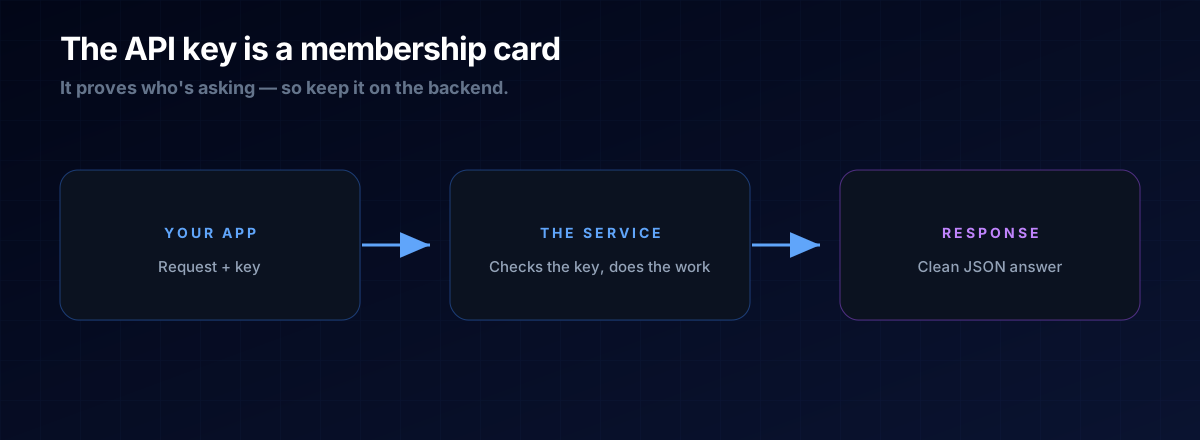
A: Often, yes. A key is like a membership card that identifies your app to the service. Keep keys on the backend, never in frontend code, because frontend code is visible to anyone.
A: Many have generous free tiers, which is perfect for small projects. Paid plans kick in only at higher usage — by then your tool should be earning its keep.
The Prompt Template
When you want your app to use an outside service, ask like this:
Connect my app to the <service> API to <do what>.
Keep the API key on the backend, never in frontend code.
Show me the request and the shape of the JSON response.
Next Steps
APIs fetch and send data — but where does that data actually live? Read What Is a Database, then put it together in the Micro-Tool Empire blueprint.