Hosting, Domain & DNS — Who Does What
Three separate jobs people constantly mix up — untangle them once and 'putting a site live' stops being scary.
Getting a site online involves three things that beginners constantly confuse — often because you can buy them all from the same company. Separate them in your head once and the whole process clicks.
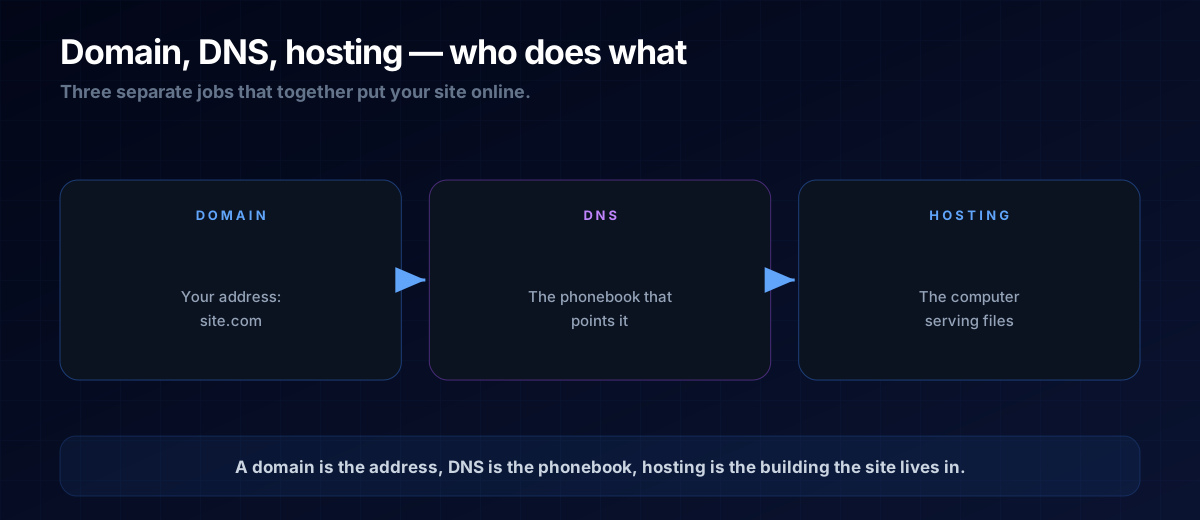
Domain = Your Address
The domain is the name people type: yoursite.com. You rent it (usually per year) from a registrar. It's just the address — owning it doesn't put anything online by itself.
DNS = The Phonebook
Computers don't find each other by name; they use numeric IP addresses. DNS (Domain Name System) is the global phonebook that looks up "yoursite.com" and returns the address of the server holding your files. When you "point a domain at your host," you're editing a DNS record.
Hosting = The Building
The host is the computer that actually stores your site's files and serves them to visitors. For a static site, hosting is often free. This is where your site truly lives.
THE ONE-LINE VERSION
Domain = the address. DNS = the phonebook that points the address somewhere. Hosting = the building the site lives in.
How They Work Together
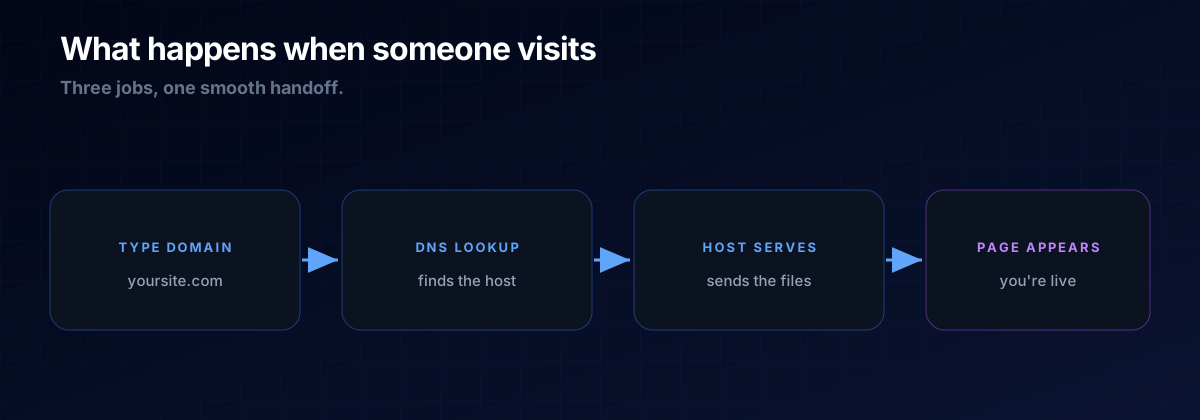
Someone types your domain → DNS looks up which host it points to → the host serves your files → the page appears. Three jobs, one smooth handoff. You can buy them from one provider or mix and match; the roles stay the same.
A: You can, but you don't have to. Many hosts sell domains too, and many static hosts give you a free subdomain so you can launch before buying a custom domain at all.
A: DNS changes spread across the internet gradually ("propagation"). A short delay after pointing a domain is normal — it's not broken.
The Prompt Template
Get a step-by-step launch plan tailored to your project:
I want to put this static site online for free.
Recommend a host, then walk me through deploying it and
(optionally) pointing my domain at it — step by step.
Next Steps
Now you know where a site lives, revisit what's actually being served in Frontend vs Backend.